Introduction: Mastering Your Ninja Air Fryer
Ninja air fryers have become a kitchen staple for many, thanks to their versatility, ease of use, and ability to deliver crispy, delicious meals with less oil. However, with multiple models like the AF300, AF400, and AF500, and a variety of buttons and settings, it can be confusing to know exactly what each function does and how to use it effectively. Whether you’re a new user or looking to optimise your cooking, understanding your Ninja air fryer’s settings is key to unlocking its full potential.
In this comprehensive guide, we’ll dive deep into the buttons and settings of the Ninja AF300, AF400, and AF500 models. We’ll explain what each button actually does, how to use the presets, and provide tips to elevate your cooking experience. By the end, you’ll be confidently navigating your air fryer’s control panel and whipping up tasty meals every time.
Overview of Ninja Air Fryer Models (AF300, AF400, AF500)
Before we explore the settings, it’s important to know the basic differences between the three main Ninja air fryer models we focus on.
AF300 - Capacity: Approximately 3.8 litres - Features: Digital display, multiple presets for air fry, roast, reheat, and dehydrate - Ideal for small to medium households
AF400 - Capacity: Approximately 5.2 litres - Features: Larger basket, wider temperature range, additional presets, and improved control panel - Suitable for families and those who cook larger portions
AF500 - Capacity: Around 5.2 litres - Features: Advanced presets including multi-stage cooking, high-precision temperature control, and smart cook options - Best for enthusiasts who want more cooking versatility
All models share a similar button layout and core functionality but vary in extra features and control sophistication. Knowing your model helps you understand which settings are available.
Understanding the Control Panel: What Every Button Means
Let’s break down the typical buttons and functions found on the Ninja AF300, AF400, and AF500 air fryers.
Power Button This turns the air fryer on or off. Pressing it resets the unit after cooking is complete or when you want to cancel a cycle.
Temperature Adjustment (+/-) Allows you to set the cooking temperature within a range, typically from 40°C to 230°C (104°F to 450°F), depending on the model.
Time Adjustment (+/-) Use these buttons to increase or decrease the cooking time. This is crucial for recipes requiring precise timing.
Preset Buttons Each model comes with preset cooking functions designed for specific foods or cooking methods. Common presets include: - Air Fry - Roast - Reheat - Dehydrate - Bake - Broil (AF500)
Start/Stop Button Press this to start or pause the cooking process after settings are selected.
Rotate/Shake Reminder (If Available) Some models feature a rotate or shake reminder button that notifies you when to shake the basket for even cooking.
Detailed Explanation of Common Preset Functions
Each preset is optimised for different cooking styles and food types. Understanding what they do helps you choose the right one.
Air Fry The core function of any air fryer, this setting circulates hot air rapidly around the food to create a crispy texture with little to no oil. Temperatures typically range from 160°C to 200°C (320°F to 392°F).
Roast Ideal for cooking meats and vegetables, the roast setting uses a slightly lower temperature with longer cooking times to ensure even cooking and browning.
Reheat Designed to warm leftovers without drying them out. It uses lower temperatures and gentle air circulation to restore food to a freshly cooked texture.
Dehydrate Perfect for making dried fruits, jerky, or herbs. This setting runs at low temperatures, usually between 40°C and 70°C (104°F to 158°F), for extended periods.
Bake (AF400/AF500) This setting mimics an oven bake, delivering even heat distribution for cakes, muffins, and casseroles.
Broil (AF500 Only) High heat from the top element to brown and crisp the surface of foods like steaks or gratins.
How to Use Your Ninja Air Fryer Settings for Different Foods
Different foods require different settings and temperatures. Here’s a practical breakdown.
Vegetables - Use the Air Fry or Roast preset. - Temperatures: 180°C (356°F) to 200°C (392°F). - Time: 10 to 20 minutes depending on the vegetable and cut size.
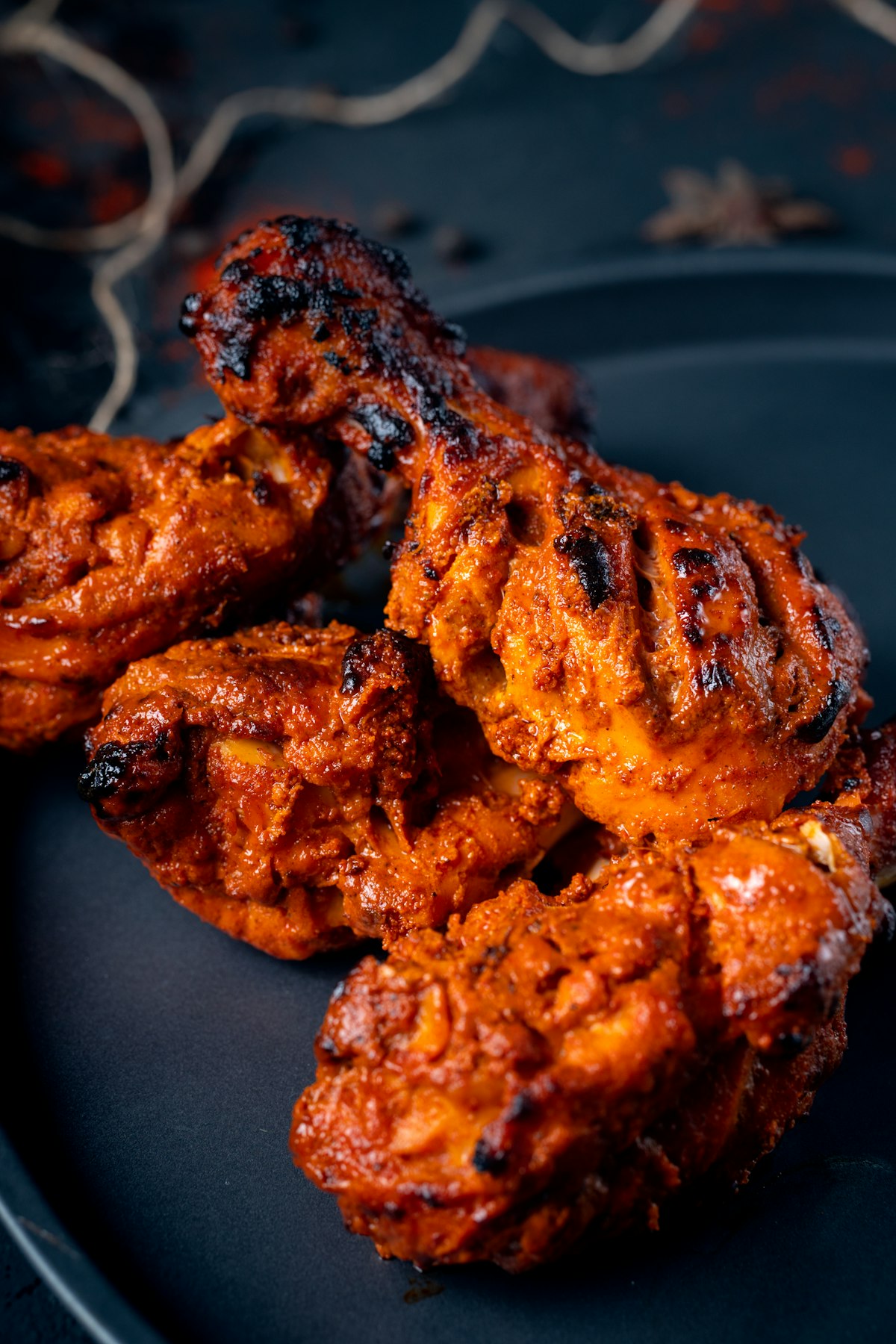
Chicken - Air Fry preset is great for wings and drumsticks. - Roast setting suits whole chickens or larger pieces. - Typical temperatures: 190°C (374°F) to 200°C (392°F). - Cook time: 20 to 30 minutes; always check internal temperature.
Frozen Foods - Air Fry preset works well for fries, nuggets, and seafood. - Preheat your air fryer for best results. - Temperatures: 200°C (392°F) for 10-15 minutes.
Baked Goods - Use the Bake preset. - Temperature range: 160°C (320°F) to 180°C (356°F). - Adjust time based on recipe, usually 15-25 minutes.
Common Mistakes to Avoid When Using Ninja Air Fryer Settings
Avoid these pitfalls to ensure your cooking is successful every time.
- Overcrowding the Basket – Blocking airflow reduces crispiness.
- Ignoring Shake/Rotate Reminders – Leads to uneven cooking.
- Not Adjusting Time or Temperature for Different Models – Each model has slight variations.
- Skipping Preheating – Can affect cooking times and results.
- Using the Wrong Preset for the Food – May cause under or overcooking.
- Not Cleaning the Basket and Components Regularly – Can cause smoke and affect flavour.
Pro Tips for Getting the Most Out of Your Ninja Air Fryer
- Use a Light Spray of Oil for Extra Crispiness – Even though air fryers require less oil, a quick spritz can enhance texture.
- Cut Food Evenly – Ensures uniform cooking.
- Experiment with Multi-Stage Cooking (AF500) – Program different temperatures and times in sequence.
- Use Accessories for Versatility – Look into racks, pans, and skewers to expand your recipes. See our accessories page for suggestions.
- Keep an Eye on Food Early On – Every air fryer cooks a bit differently.
- Use the Reheat Setting for Leftovers – Preserves moisture better than microwaves.
- Refer to Recipes Designed for Ninja Air Fryers – Check out our recipes for inspiration.
Ninja AF300 vs AF400 vs AF500: Quick Comparison
| Feature | AF300 | AF400 | AF500 |
|---|---|---|---|
| Capacity | ~3.8 litres | ~5.2 litres | ~5.2 litres |
| Presets | Air Fry, Roast, Reheat, Dehydrate | Adds Bake and more precise controls | Adds Multi-stage Cooking, Broil |
| Temperature Range | 40°C–230°C (104°F–450°F) | 40°C–230°C (104°F–450°F) | 40°C–230°C (104°F–450°F) |
| Control Interface | Digital buttons | Enhanced digital with dial | Advanced digital with multi-stage settings |
| Best For | Small families, beginners | Larger families, versatile cooking | Enthusiasts, multi-stage recipes |
Frequently Asked Questions
What temperature should I use for air frying in my Ninja air fryer? For most air frying tasks, setting the temperature between 180°C and 200°C (356°F to 392°F) works well. Adjust based on your recipe and food type.
Can I use the Ninja air fryer presets for homemade frozen foods? Yes, the Air Fry preset is ideal for frozen foods like fries, nuggets, and seafood. Just remember to preheat and shake the basket halfway through.
How do I know when to shake or rotate food? Some Ninja models have a shake reminder button or alert. If yours doesn’t, a good rule of thumb is to shake or turn food halfway through cooking to ensure even crisping.
Is it necessary to preheat the Ninja air fryer? Preheating helps achieve even cooking and better texture, especially for frozen or breaded foods. Most models preheat quickly within 3-5 minutes.
Can I use my Ninja air fryer to bake desserts? Absolutely! Use the Bake preset on AF400 and AF500 models for cakes, muffins, and other desserts. Adjust temperature and time according to your recipe.
What is multi-stage cooking on the AF500? Multi-stage cooking allows you to program different cooking phases with varying temperatures and times in one go, ideal for complex recipes.
How do I clean my Ninja air fryer after use? Remove the basket and tray and wash with warm, soapy water or place them on the top rack of your dishwasher if dishwasher-safe. Wipe the main unit with a damp cloth.
Conclusion: Get the Most from Your Ninja Air Fryer
Understanding your Ninja air fryer settings transforms your cooking experience from guesswork to confidence. Whether you’re using the AF300, AF400, or AF500 model, each button and preset is designed to simplify and enhance your meal preparation. Experiment with different presets, adjust temperatures and times to suit your tastes, and use our pro tips to achieve consistently delicious results.
Ready to find the perfect Ninja air fryer for your kitchen or upgrade your current one? Explore our air fryer reviews and the buying guide to make an informed choice. Don’t forget to check out tasty recipes and handy accessories to get even more from your air fryer.

Ninja Air Fryer Pro XL 6.2L (AF181ANZ)
Best single-basket premium for small families
- ✓Max Crisp Technology for extra-crispy results
- ✓6 cooking functions including dehydrate
Happy air frying!
Explore more insights and tips on our blog.